
2 September 2026
What to prepare before you order a website
Five things to prepare before the first meeting: copy, photos, a vector logo, domain access and a clear goal for the site. Who prepares what, what happens when something is missing, and how to put it all into the project brief in 18 minutes.
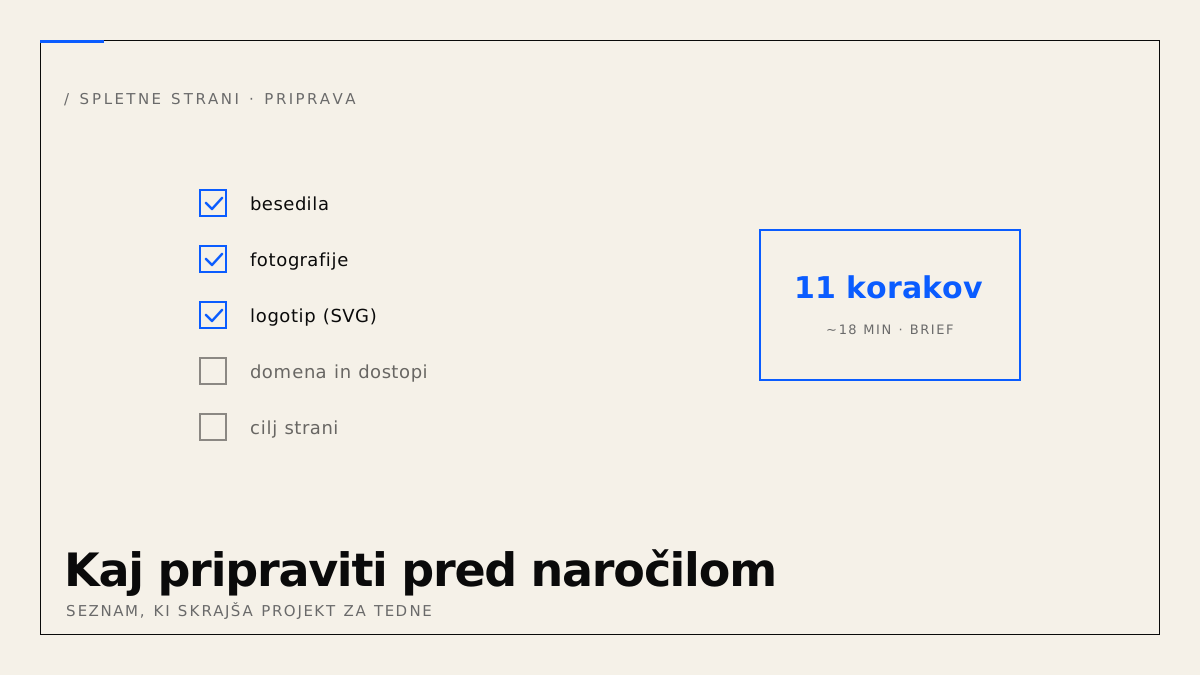
A website project almost never runs late because of development. It runs late because the copy is not written yet, nobody has sent the photos, and nobody knows where the domain is registered. Below is a list of what to prepare, who usually prepares it, and what happens when it is missing.
What do you need to prepare before you order a website?
Five things: copy for every page, photos and a logo in a usable format, access to the domain and existing hosting, a clear answer to what the site should achieve, and a list of features the site must have. Everything else (structure, design, technology) is the provider's job and grows out of those five.
1. Copy
One document per page you want, with a headline, paragraphs and a call to action. It does not have to be polished. It has to be correct: names of services, what they include, who they are for, how to reach you.
If you have no copy, there are three options. You write it yourself from a template we give you. You send raw notes or old brochures and we edit them together. Or we write it after an interview. The third option is the most expensive and the slowest, because an interview, a draft and two rounds of corrections take weeks.
What happens without copy: the site gets built with placeholder text, then waits. Every week of waiting is a week the site brings in no inquiries.
2. Photos and logo
The logo as a vector file (SVG, AI, or a PDF exported from a design tool). A PNG from an email signature is not enough, because it blurs when scaled. If you do not have a vector, the designer who made the logo almost certainly does.
Photos at full resolution, as they come out of the camera or phone, not from Facebook or WhatsApp where they are compressed. Photos of people, premises and work matter most, because they cannot be replaced. Background and abstract images we can source from free libraries.
What happens without them: the site gets generic stock photos and looks like every other site.
3. Domain and hosting access
You need to know where the domain is registered (Register.si, GoDaddy, Domenca, Neoserv and so on) and who has the login. The same for existing hosting and email, if it runs on the same domain.
This is the most common source of delay when replacing an old site. The domain is registered to a former colleague, to an agency that no longer exists, or to an email address nobody can access. Transferring ownership in that case takes weeks and sometimes requires proof of company ownership.
Check on day one, not the day before launch.
4. The goal of the site
One sentence: what should the visitor do when they land on the site. Call, send an inquiry, book an appointment, buy, subscribe to news. Every site has one main goal. If you list five, it has none.
Structure follows from the goal. A site whose goal is service inquiries has a different home page from a site whose goal is product sales. Without a goal the provider guesses, and you have nothing to judge the first draft against.
5. The feature list
What the site has to do beyond showing content. Contact form, map, gallery, several languages, bookings, price list, login, shop, a link to a calendar or accounting. Split it into "must be in the first version" and "later".
This list is the biggest lever on price. How each feature affects it is covered in what determines the price of a website.
Who prepares what?
| Material | You prepare | We prepare |
|---|---|---|
| Copy | draft or notes | structure, shortening, headlines, writing by agreement |
| Photos of people, premises, work | yes | selection, cropping, optimisation |
| Background and abstract images | not needed | from free libraries |
| Logo | vector file | web adaptation, favicon |
| Domain and access | registrar and login details | DNS transfer, setup |
| Goal of the site | one sentence | structure and calls to action |
| Feature list | first version / later | scope estimate and proposal |
| Company data | name, address, tax ID, registration number, IBAN | legal pages, structured data for search engines |
How to put it into the project brief
All five points are covered by the website project brief. It has 11 steps, from company details through site type, scope, content and features to design, and takes about 18 minutes. The steps for services, products, FAQ and references appear only if your type of site needs them. On the last step you can attach documents: copy, brochures, logo, photos, up to 20 MB in total.
The form saves your input in your browser as you go, so you can close it and continue later. After you submit, you get a scope proposal and an indicative price within one business day.
If you have the copy, a vector logo and domain access ready, the project is ready to start. If not, begin with points 3 and 4, because they take the least time and remove the most delays.