
20 May 2026
We embedded a WebMCP server: AI agents can now talk to racunalnicar.eu
We equipped racunalnicar.eu with a WebMCP server — AI agents can read services and products, fetch contact details and submit an inquiry over the MCP protocol. Here is how it works.
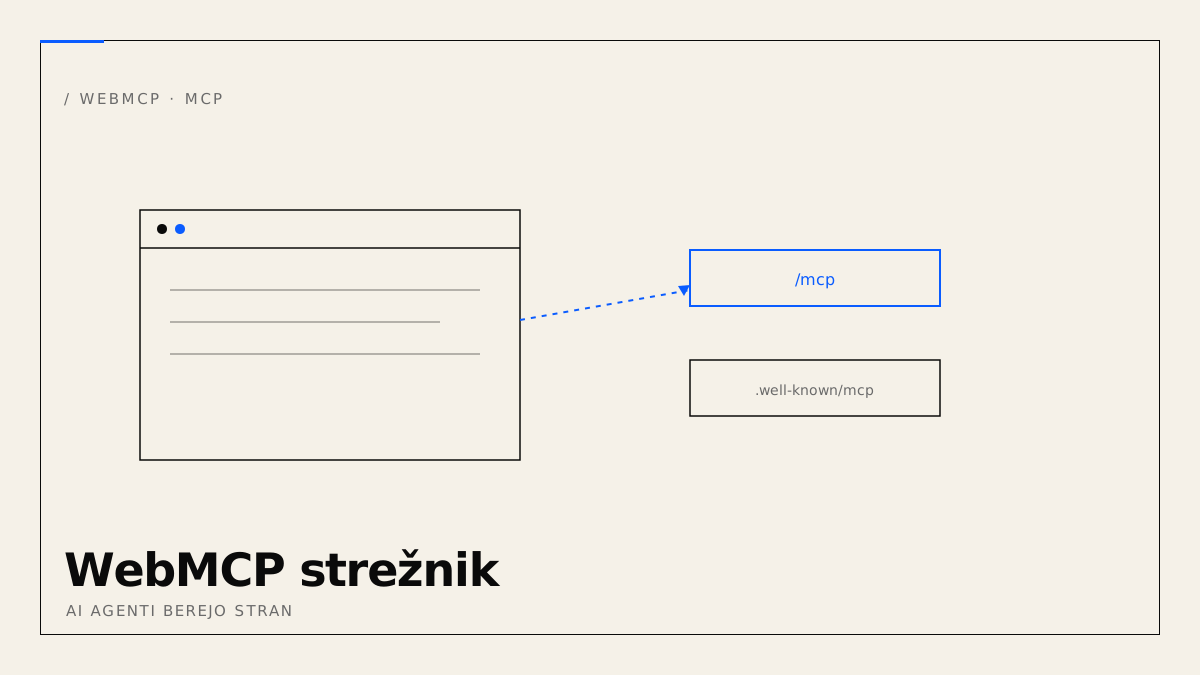
We equipped the racunalnicar.eu website with a WebMCP server — an interface through which AI agents (such as Claude or other MCP-capable clients) can talk to the site directly: read the services and products, fetch contact details, and even submit an inquiry — all structured, with no guessing from the HTML.
What MCP and WebMCP are
MCP (Model Context Protocol) is an open standard that lets AI agents call tools and read data over a single protocol. WebMCP brings this into the browser: the website offers the agent a set of tools via navigator.modelContext, and the agent calls them like functions — instead of scraping the page content.
How it works here
The integration has two layers:
- A remote MCP server runs on a Cloudflare Worker at
racunalnicar.eu/mcpand announces itself atracunalnicar.eu/.well-known/mcp(the RFC 8615 standard). It speaks JSON-RPC 2.0. - A browser bridge (
/webmcp.js) loads on every page. When an agent with WebMCP support visits, the bridge asks the server for the tool list (tools/list) and registers them vianavigator.modelContext.registerTool(withprovideContextandtools[]fallbacks for different clients). Tool calls are proxied back to/mcp.
For a normal visitor without an agent, the bridge does nothing — the site behaves exactly the same, with no impact on load speed.
Public tools (no login)
These are available to any agent over WebMCP:
list_services/get_service— services and technology stacklist_products— active products with linksget_contact— contact and business detailssubmit_inquiry— submit an inquiry (only with the user's explicit consent)
Anatomy of submit_brief — a consent gate without Turnstile
We added submit_brief as a structured variant of submit_inquiry — with a kind parameter (web, ai, app) that routes the brief into the right project flow. A walk-through, because it is the most delicate tool (write + email send + DB insert).
The interface is a prompt. tools/list returns a JSON Schema telling the agent what the tool accepts. The description is not a doc-comment — it is a prompt:
{
  "name": "submit_brief",
  "description": "Submits a project brief for a WEBSITE (kind=web), AI INTEGRATION (kind=ai) or WEB APPLICATION (kind=app). Use only with the user's explicit consent (consent=true).",
  "inputSchema": {
    "properties": {
      "kind": { "enum": ["web", "ai", "app"] },
      "name": { "type": "string" },
      "email": { "type": "string" },
      "description": { "type": "string" },
      "consent": { "type": "boolean" }
    },
    "required": ["kind", "name", "email", "description", "consent"]
  }
}
If the description does not say "when to use", the agent does not know. One word out — one bug in.
No Turnstile, a consent gate instead. Turnstile is a captcha. Agents can't read it. MCP submit_brief bypasses it, because the agent itself is the trust boundary — if Claude is calling the tool in dialogue with a user, the user has just said "yes". That is why consent=true cannot be the default: the model must explicitly set the field to true, which means the user's explicit consent.
Risk surface: a malicious MCP client bypassing the Claude UI. The risk is real but low — the endpoint is public, with no payload worth attacking. Worst case: a spam brief that gets rejected manually.
Insert into D1. The insert is identical to the web-form brief — same table, same kind dimension. Only the ip='mcp' marker differs; in the admin panel a single filter separates agent leads from web leads. The quality of each channel is tracked separately.
Numbers. MCP layer: ~230 lines in bandur-api/src/index.ts. Public tools: 5. Average response: ~120 ms.
Protected admin tools (bearer token)
Alongside the public one, there is a separate, authenticated server at racunalnicar.eu/mcp/admin. Access requires a bearer token (deny-by-default) and is meant for managing content with your own AI agent:
create_project/update_project/delete_project/list_projects/get_projectcreate_news/update_news/delete_news/list_news/get_newsget_theme/set_theme— site colors and appearancelist_contacts— review received inquiriespublish— trigger a site rebuild
The public and admin tools are deliberately separated: write access and private data never live on the public path.
Why we do this
AI agents increasingly browse the web on behalf of people. A site that offers an agent structured tools is legible, instant and reliable — the agent calls rather than guesses. This is what we call AI-ready pages.
We offer the same integration to clients: a WebMCP server on their website so AI assistants can book, inquire or read the catalogue — safely and under control.